Sat in on a meeting last fall that turned into a two-hour argument. Startup team in Austin, building a new consumer electronics product. They needed housings for their first production batch—maybe 500 units to start, with plans to scale if the product took off.
Half the team wanted to 3D print everything. “We can iterate faster,” the lead designer kept saying. “Change the design overnight if we need to.” The other half wanted CNC machining. “We need parts that actually hold up,” the mechanical engineer shot back. “Printed plastic won’t survive real-world use.”
They were both right. And both wrong. The answer—like most manufacturing decisions—depends on what you’re actually trying to accomplish.
Here’s the quick version: CNC machining is best for strong, precise production parts. 3D printing is ideal for fast, complex prototypes. But the real answer is more nuanced than that, and understanding the nuance is what separates teams that waste money and time from teams that ship products efficiently.
Quick Comparison: CNC vs. 3D Printing
| Category | CNC Machining | 3D Printing |
| Best Use | Strong, precise production parts | Fast prototypes, complex organic shapes |
| Part Lifespan | Years to decades depending on material | Shorter—ideal for models or light-duty use |
| Cost Structure | Higher setup; lower per-part cost at scale | Low setup; higher per-part as volume grows |
| Material Options | Metals, engineering plastics, composites | Plastics, resins, growing metal options |
| Strength | Excellent—ideal for load-bearing parts | Moderate—varies by technology and material |
| Surface Finish | Smooth, tight tolerances, minimal finishing | Often needs sanding, smoothing, or coating |
| Production Speed | Fast for batches and repeated runs | Fast for one-offs and rapid iteration |
Subtractive vs. Additive: The Core Split
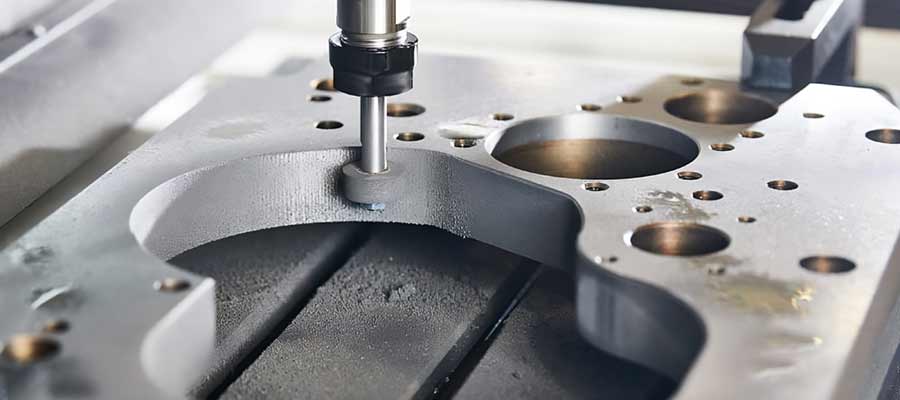
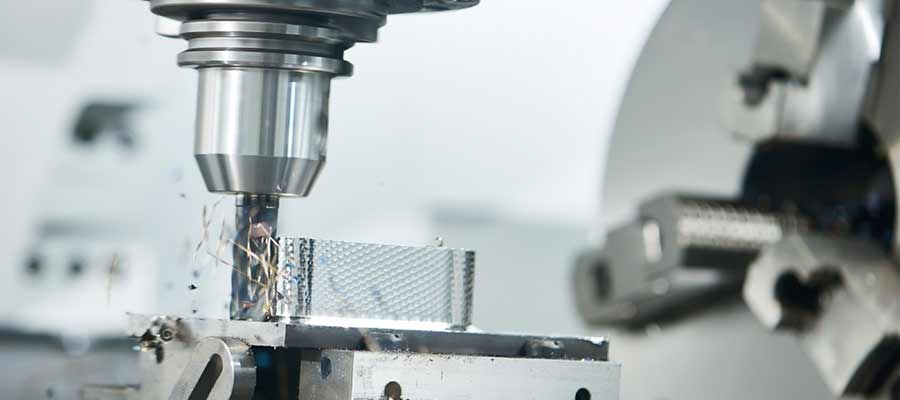
Here’s the simplest way to understand the difference. CNC machining is like sculpture—you start with a block and remove everything that isn’t your part. Chip by chip, pass by pass, until what’s left is the shape you need.
3D printing is the opposite. You start with nothing. Build up material layer by layer. Plastic filament, liquid resin, metal powder—different machines use different stuff, but the idea is identical. Put material where you want it. Skip where you don’t.
That one difference—subtractive versus additive—explains almost everything else. Why CNC handles certain shapes easily and others not at all. Why printed parts have different properties than machined ones. Why the economics work differently at different volumes. Get this distinction and the rest follows.
When Precision Matters: CNC Still Leads
A quality inspector named Megan—works for an automotive supplier in Michigan—showed me something interesting last year. She had two versions of the same bracket sitting on her desk. One CNC machined, one 3D printed on an industrial printer.
“Both technically passed inspection,” she said. “But look at the measurement data.” The CNC part hit nominal on almost every dimension. The printed part wandered around within the tolerance band—some features near the high limit, some near the low, a few outside spec that got accepted on engineering review.
“For a prototype, nobody cares,” Megan continued. “For production? I want the CNC part every time. Predictable is worth something.”
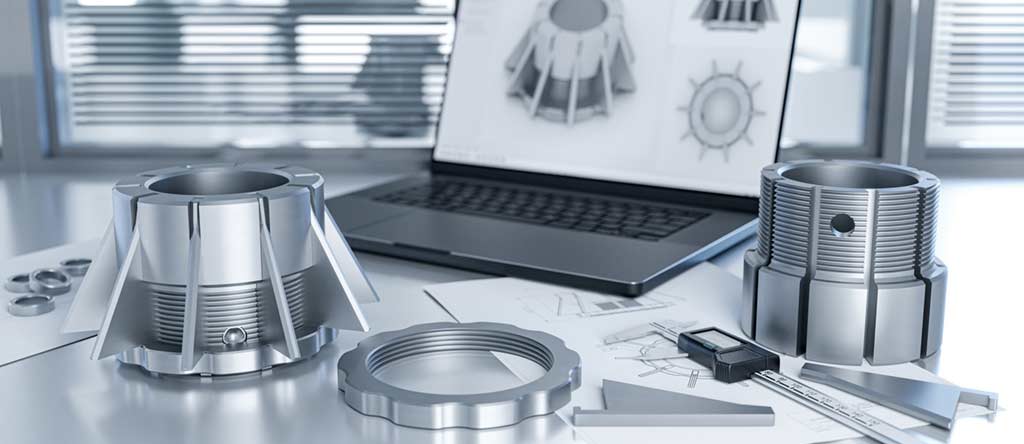
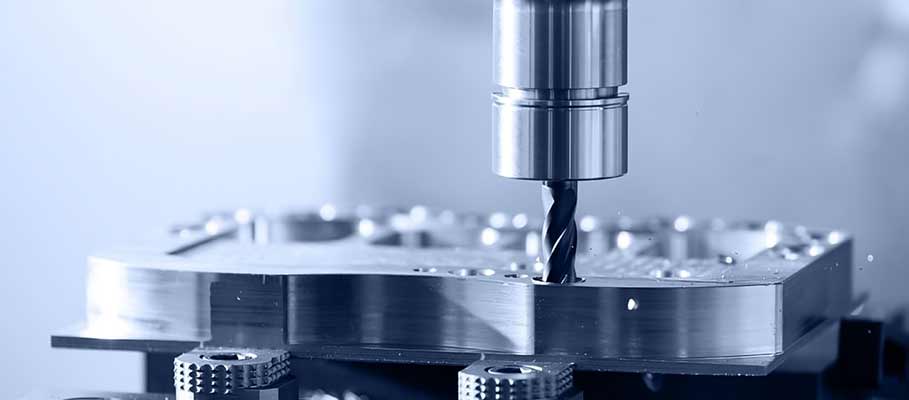
CNC machining delivers tight tolerances—typically ±0.001″ to ±0.005″—and smooth surface finishes with minimal post-processing. That precision matters for aerospace brackets, automotive housings, medical components, and any functional prototype that needs to behave like a real production part.
3D printing has improved dramatically, especially with industrial resin and metal machines. But printed parts often still need sanding, machining, or other finishing operations to reach CNC-level accuracy. The technology keeps getting better every year. It’s just not there yet for everything.
When Geometry Gets Weird: 3D Printing Wins
Met a design engineer named Theo at a conference last spring. Guy works on cooling systems for high-performance electronics. He pulled up a model on his laptop—this intricate manifold with internal channels that snaked through the part in ways that made my head hurt just looking at it.
“There’s no way to machine this,” he said, grinning. “The channels are curved. Some of them double back on themselves. No tool could reach them even if we tried.” He printed the part in metal, and it worked exactly as designed. Cooling efficiency improved by 40% over the previous generation.
That’s the magic of 3D printing. Because you’re building layer by layer, tool access doesn’t matter. You can create:
- Internal channels and passages that snake through solid parts—impossible to drill, easy to print
- Lattice structures that provide strength with minimal weight
- Honeycomb and organic shapes optimized by software for stress distribution
- Complex ergonomic forms that would require dozens of machining operations
CNC machining is limited by physics. The cutting tool has to reach the surface being cut. Internal cavities, undercuts, sharp inside corners—these are difficult or impossible to machine. Sometimes you can get creative with fixturing and multi-axis work, but there are hard limits that no amount of cleverness can overcome.
If your design is complex, organic, or highly customized, 3D printing offers freedom that traditional machining simply can’t match.
Materials and Whether Parts Actually Hold Up
CNC machines cut almost anything rigid. Aluminum. Steel. Stainless. Titanium. Brass. Engineering plastics—Delrin, ABS, Nylon, PEEK. Composites. Exotic alloys for aerospace and defense. If you can clamp it and it doesn’t melt, you can probably machine it.
Big advantage: parts cut from solid stock have uniform properties throughout. That aluminum bracket has the same strength as the billet it came from. No weak spots where layers didn’t bond right. No strength that varies depending on which direction you push.
3D printing offers plastics, resins, composites, and a growing list of metal powders. The options expand every year. But printed parts—particularly plastics—often don’t match machined parts for strength or stability. Layers create potential failure points. Properties change depending on print orientation. It’s just different.
A manufacturing manager named Victor—runs a contract shop out in Phoenix—puts it bluntly: “Anything that has to hold up under real loads? I’m machining it. Period. Printing is for shapes and prototypes. Machining is for parts that actually need to work.”
Metal 3D printing is closing the gap. Still expensive. Still not as predictable as CNC for most production work. But it has a place—just not as a universal replacement.
Speed: It’s Complicated
People always ask which is faster. Honest answer? Wrong question. Faster for what?
Single prototype? 3D printing wins hands down. Send a file to the printer at 5 PM, pick up your part in the morning. No programming. No setup. No waiting for a machinist to get to your job. That speed from idea to physical object is genuinely wild when you think about it.
Production batches? Different story entirely. CNC takes over once a job is dialed in. Parts come off one after another. Consistent. Fast. A hundred brackets by Friday? CNC gets there while the printer is still working on part number twelve.
The crossover depends on geometry and quantity. Simple shapes in small numbers? Print. Complex shapes in large numbers? Machine. Everything in between requires actually doing the math instead of assuming.
The Money Question
“Which costs less?” Another question that makes me sigh. Both can be cost-effective. Both can be money pits. Depends entirely on what you’re doing.
CNC has higher upfront costs. Programming takes time. Fixturing takes time. Setting up takes time. But spread those costs across a production run and the per-piece price drops fast. Material waste is real—especially on expensive metals—but the economics work once you’ve got volume.
3D printing has almost no setup cost. Hit print, walk away. Great for one-offs and prototypes. Problem is, the per-part cost stays pretty flat no matter how many you make. Every part takes the same print time. Specialized materials cost a fortune. Post-processing adds labor nobody budgeted for.
A procurement specialist I talked to—woman named Sandra who sources parts for medical devices—has a rule of thumb: “Under ten parts, we print. Over fifty, we machine. In between, we get quotes for both and see which number makes us happier.”
Simple framework. Works for most situations.
A Simple Framework for Deciding
When that Austin startup finally stopped arguing, they worked through something like this:
- What’s the part actually for? – Prototype to test a concept? Print it. Production part that needs to perform? Probably machine it.
- What tolerances do you need? – Tight accuracy requirements push toward CNC. Looser tolerances open up printing as an option.
- What material does the application require? – Specific metals or engineering plastics for strength? CNC. Standard printable materials work? Either could be fine.
- How complex is the geometry? – Internal channels, lattice structures, organic shapes? Print. Simple accessible features? Machine.
- How many do you need? – One to ten? Usually print. Fifty or more? Usually machine. In between? Get quotes for both.
- What’s your timeline? – Need something tomorrow? Print. Need a hundred next week? Machine.
The startup ended up printing their first fifty units to get products in customers’ hands fast, then switching to CNC for the production run once they validated the design worked. Hybrid approach. Best of both worlds. Smart manufacturing.
Other Options Worth Mentioning
CNC and 3D printing get all the attention. But depending on what you’re making, these might matter too:
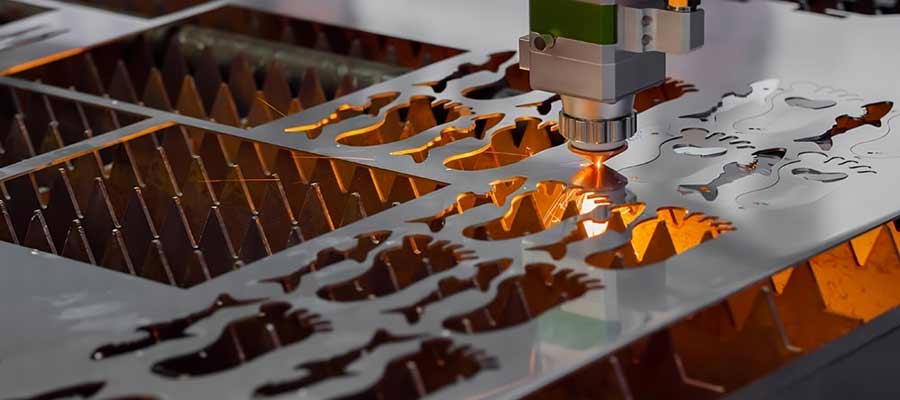
- Laser cutting – Flat sheet materials. Fast. Precise. Metals, plastics, wood, whatever. Won’t help you with 3D shapes, but it often feeds into machining or assembly work.
- Waterjet cutting – Cuts anything without heat distortion. Thick profiles. Materials that hate thermal processes. Shops often pair waterjet with CNC—cut the blank on waterjet, machine the features on the mill.
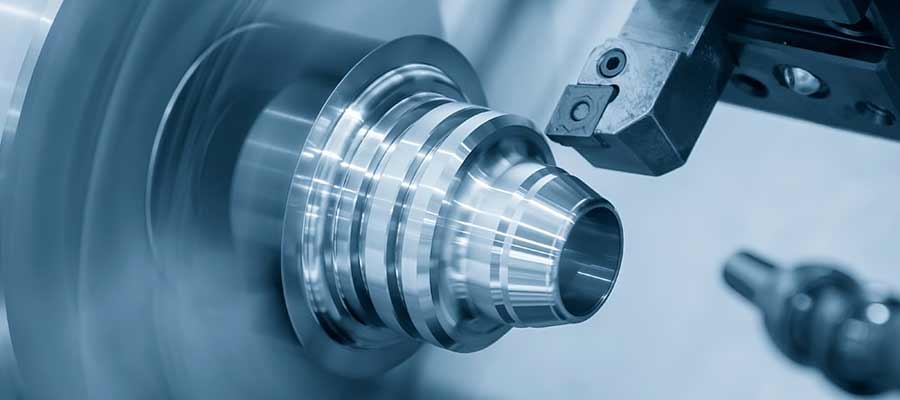
- CNC turning – Better than milling for round stuff. Shafts, cylinders, anything that spins. If your part belongs on a lathe, turning is faster and cheaper than milling.
Smart shops combine methods. Waterjet a blank, machine the details. Print a rough shape, finish the critical surfaces on CNC. The right answer is often “both” rather than picking one and forcing it to work.
What’s Changing
Been watching this space for a while. Few things keep coming up in conversations:
- Hybrid workflows everywhere now – Print rough, machine finish. The “pick one” mentality is fading. Shops that combine methods are eating lunch of shops that don’t.
- Metal printing getting serious – Still pricey. But quality and reliability keep climbing. Aerospace and medical are leading, everyone else is watching.
- Short-run CNC booming – Supply chain chaos made domestic manufacturing attractive again. Fast turnaround, local production. That demand isn’t going away.
- Iteration speed as competitive advantage – Product cycles compressing hard. Both technologies enabling development timelines that seemed impossible ten years ago.
- Software eating everything – AI-enhanced CAM. Generative design. Automated quoting. The tools get smarter every year on both sides.
Neither technology is going anywhere. Both keep evolving. The smart play is knowing what each does well and deploying accordingly—not picking a team and pretending it handles everything.
FAQs
1. Which is cheaper, CNC or 3D printing?
3D printing is usually cheaper for prototypes and small quantities. CNC becomes more cost-effective for small- to mid-volume production runs. The crossover point depends on part complexity and material.
2. Which method produces stronger parts?
CNC machining, generally. Cutting from solid material produces parts with uniform strength throughout. Printed parts can have layer adhesion issues and anisotropic properties. Metal printing is improving but still not at parity for most applications.
3. Can metal 3D printing replace CNC machining?
Not yet. Metal printing has come a long way, but CNC still delivers better accuracy, surface finish, and material properties for most production applications. Printing makes sense for complex geometries that can’t be machined, but it’s a complement to CNC, not a replacement.
4. Which is faster for small parts?
For a single small part, 3D printing is typically faster—no programming or setup required. For batches of small parts, CNC catches up quickly because multiple parts can be run efficiently once setup is complete.
5. Can I use both CNC and 3D printing in the same project?
Absolutely. Many teams print prototypes first to test designs, then machine production versions. Some parts get printed rough and CNC-finished on critical surfaces. Combining methods is increasingly common and often the smartest approach.
6. How do I decide which method to use?
Consider what the part is for, what tolerances and materials you need, how complex the geometry is, how many you need, and what your timeline looks like. Prototypes and complex shapes lean toward printing. Production parts and tight tolerances lean toward CNC. When in doubt, get quotes for both.
Why Styner Machine Tools
Styner Machine Tools provides precision CNC machining and advanced manufacturing support for customers across the USA. Whether you’re developing early prototypes or producing final parts, we help you choose the right process, refine your design, and deliver parts that actually work.
Need strong, precise production parts? That’s our core business. Need help figuring out when to print versus when to machine? We’ve had that conversation hundreds of times and can help you navigate the decision.
The goal is getting you the right parts, the right way, on time and on budget. Sometimes that’s pure CNC. Sometimes it’s a hybrid approach combining printing and machining. We’ll help you figure out what makes sense for your specific situation and requirements.
American manufacturing. Real expertise. Parts you can actually count on.
Contact Styner Machine Tools at CNCFAB.SHOP to discuss your project.