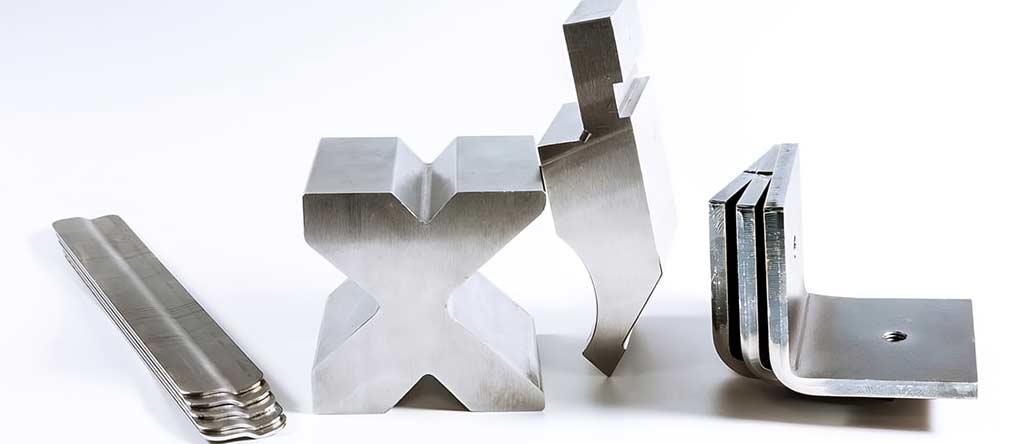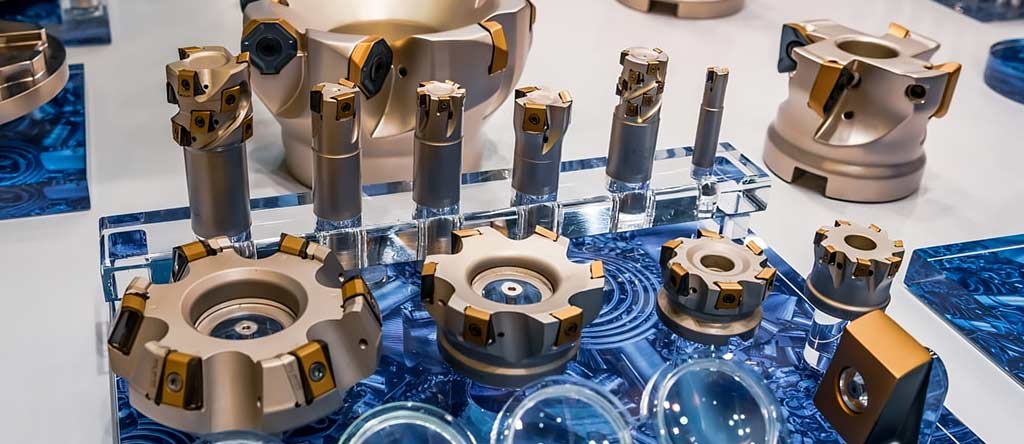
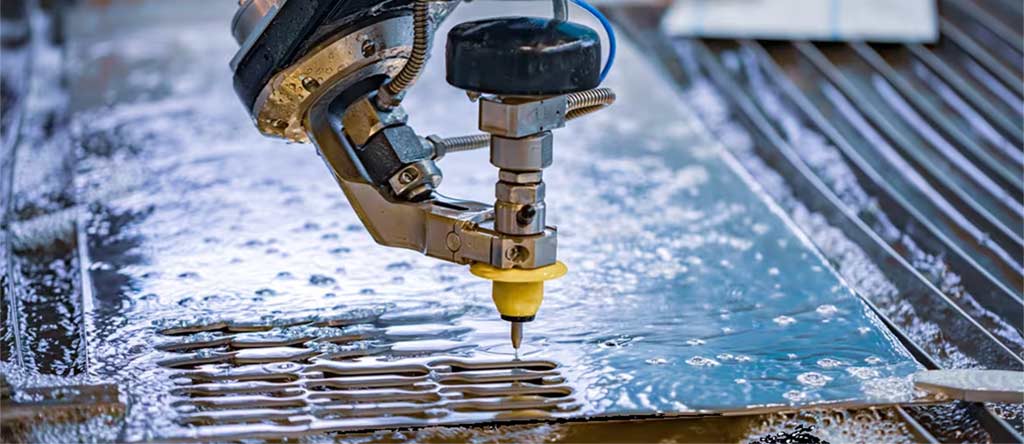
CNC machining? Computer-controlled manufacturing. Raw materials go in, precise parts come out. Automated machine tools do the work.
Short answer done. Here is the deeper dive.
Introduction
CNC machining is one of the most reliable ways to make parts. Strong parts. Accurate parts. Consistent parts.
Aerospace brackets. Medical housings. Industrial components. CNC handles all of it. Precision that manual machining cannot touch.
New to this? This guide breaks down what CNC is, how it works, what drives cost, and why manufacturers use it every day.
Snapshot: CNC Machining
| Category | The Reality |
| Machine Lifespan | 10-20+ years if you maintain them right |
| U.S. Cost Range | $45-$150 per machine hour—complexity matters |
| Best For | Prototypes, short runs, precision work |
| Materials | Aluminum, steel, stainless, brass, titanium, plastics, composites |
| Turnaround | Hours for simple stuff, days for complex |
| U.S. Trend | Aerospace, EV, medical, defense—all growing |
So What Is CNC Machining Exactly?
CNC means Computer Numerical Control. Computers run cutting tools—mills, lathes, routers, grinders—to carve material into finished parts.
No relying on manual skill here. CNC machines follow digital instructions. G-code tells them exactly what to do.
What does that get you?
- Better accuracy
- Faster output
- Results you can repeat
- Fewer mistakes
- Tighter quality control
Cutting, drilling, turning, milling, engraving, bending, threading, shaping. Metals or plastics. CNC does it all with consistency you can count on.
How It Works
1. Part Design (CAD)
Starts with a 2D or 3D model in CAD software. Dimensions, material specs, tolerances, features, holes—all defined in the file.
That model is your digital blueprint.
2. Toolpath Programming (CAM)
CAD file gets imported into CAM software. Generates toolpaths. Converts everything to G-code.
G-code is the instruction set. How fast to move. Which cutter. How deep. Where to position. When to drill, mill, or turn. All spelled out.
3. Machine Setup
Machinist preps the CNC. Installs tools. Secures raw material. Zeros the machine. Runs a dry test. Safety and accuracy checked before anything cuts.
4. Machining
Setup done? Machine runs the program.
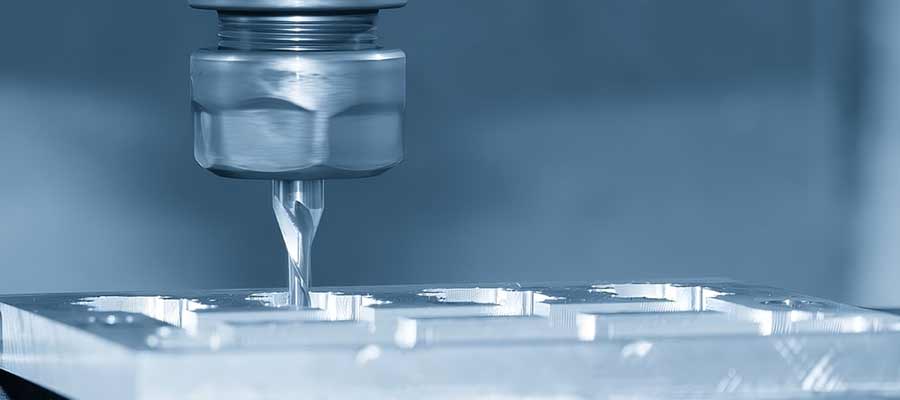
Milling—rotating cutter shapes surfaces, cuts pockets, edges, slots.
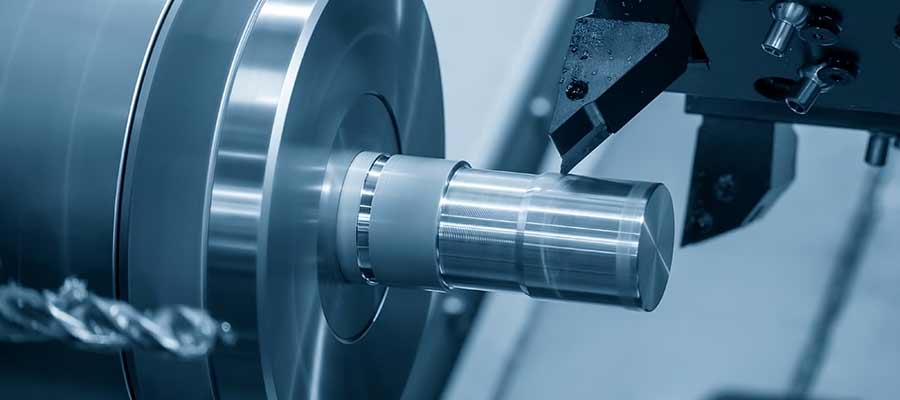
Turning—workpiece spins, stationary tool shapes it. Round parts.
Drilling—holes with exact diameters and depths.
Cutting—laser, waterjet, plasma slice profiles in sheets.
Engraving—text, numbers, patterns for traceability.
5. Inspection and Finishing
Parts get measured. Calipers, micrometers, height gauges, CMMs. Every spec verified.
Finishing depends on the part. Anodizing, coating, polishing, deburring. Whatever the application needs.
Why CNC Matters
1. Precision
Tolerances as tight as ±0.001 inches. Industries needing flawless accuracy depend on this.
2. Speed
Program once, run continuously. Lights-out operation works. Lead times drop.
3. Repeatability
Part one to part one hundred—virtually identical. No drift.
4. Material Range
Aluminum to stainless to engineering plastics. CNC handles the variety.
5. Cost Efficiency
Automation slashes labor costs. Scrap drops. Errors drop. Rework drops. Savings add up.
6. Complex Shapes
Multi-axis systems make shapes that manual methods cannot. Design freedom expands.
CNC vs. Other Methods
CNC vs. 3D Printing
| CNC | 3D Printing |
| Removes material | Builds material up |
| Stronger parts | Good for quick prototypes |
| Best finishes | Often needs post-processing |
| Tight tolerances | Tolerances vary |
CNC vs. Laser/Waterjet
Cutting works great for flat sheets and profiles. CNC is better when you need 3D features, pockets, tight tolerances.
CNC vs. Manual
Manual machining depends on who is running it. CNC gives consistent results every time. Less variability. Less guesswork.
What Drives Cost
1. Material
Stainless and titanium are hard to cut. Takes longer. Wears tools faster. Price goes up.
2. Complexity
Complex geometry means more toolpaths. More programming. More machine time.
3. Quantity
More parts, lower cost per piece. Programming and setup spread across the batch.
4. Tolerances
Tighter specs need more time, more inspection, specialized tooling. Costs climb.
5. Finishing
Coating, anodizing, polishing, heat-treating. Extra steps. Extra cost.
Starting a CNC Project
- Define requirements: Dimensions, material, performance, special features.
- Get CAD ready: Machinist or engineer can optimize for manufacturability.
- Request quote: Quantity, material, tolerances.
- Prototype if needed: Test design before full production.
- Production: CNC runs repeatable parts quickly.
- Inspect and improve: Review. Refine for next run.
U.S. Trends
- Aerospace and defense want tight-tolerance parts
- EV and battery work expanding—precision required
- Multi-axis systems more common now
- Automation and robotics improving output
- Reshoring bringing production back to the U.S.
FAQs
What materials work with CNC?
Aluminum, steel, stainless, titanium, brass, copper, ABS, nylon. Most engineering materials.
How accurate is it?
±0.001 inches typical. Specialty machines go tighter.
Good for prototypes?
Yep. Fast, strong, production-grade. Ideal for functional testing.
How long does it take?
Simple parts in hours. Complex work may take days including programming.
What industries use CNC?
Aerospace, automotive, medical, defense, electronics, industrial machinery. Anywhere precision counts.
Why Styner Machine Tools
Styner Machine Tools provides CNC machining, milling, turning, prototyping, and cutting services across the USA.
Modern equipment. Experienced machinists. Accurate parts delivered on time.
Precision manufacturing. Experienced team. Quality that holds. That is Styner.